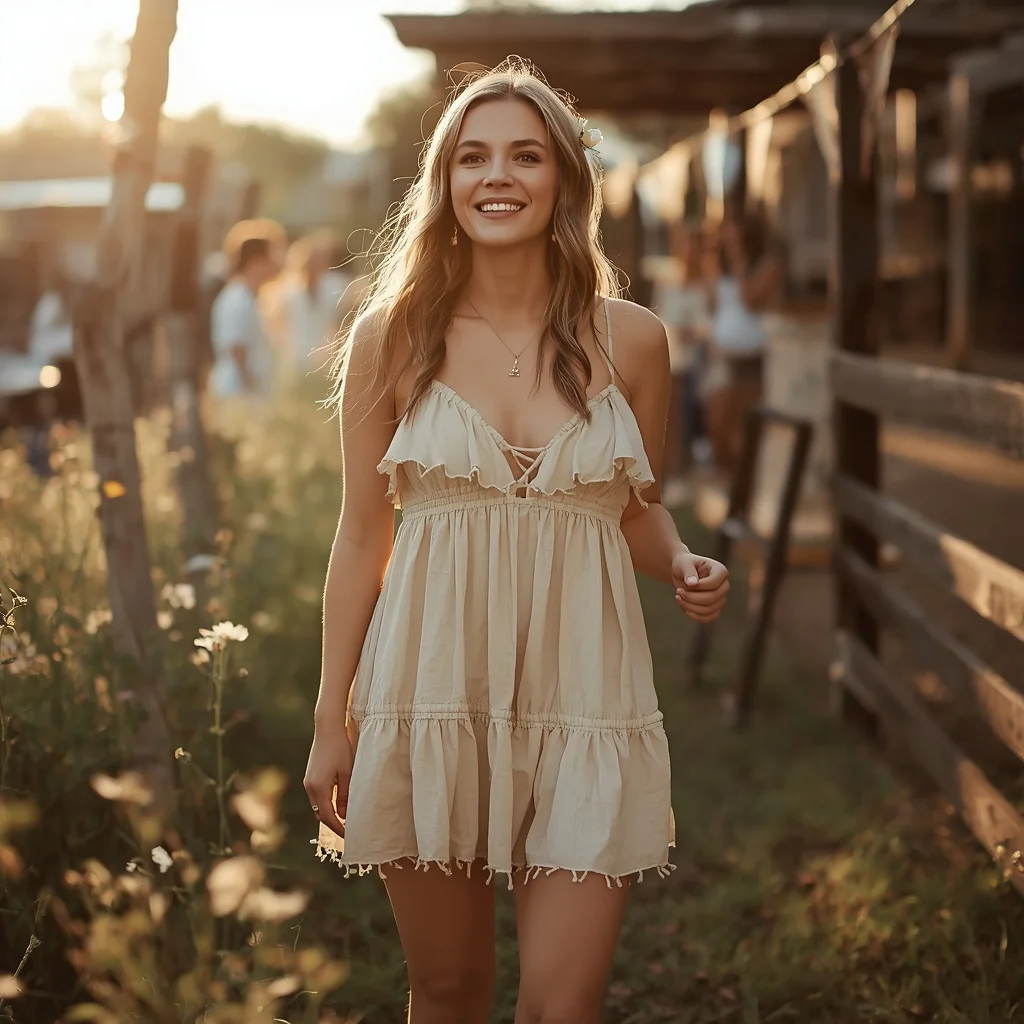
Timeless White Linen Shirt Dress: A Relaxed Summer Vacation | Ultra-realistic Naturalistic Outdoor
Capturing the essence of a relaxed summer afternoon by a tranquil lake is a classic photography goal, and AI image generation makes it accessible to everyone. This prompt from Space Prompt focuses on an ultra-realistic, naturalistic outdoor scene featuring a woman in a timeless white linen shirt dress, combining fashion, nature, and a serene mood.
The prompt emphasizes strict adherence to a reference image for facial identity, ensuring consistency and realism. Whether you are a photographer testing concepts, a fashion enthusiast, or a content creator, this guide breaks down every element—from the messy bun to the canvas sneakers—so you can reproduce and customize the image with confidence.
What this white linen shirt dress prompt is asking for
The prompt describes a detailed outdoor portrait of a woman seated on a wooden bench by a lake, wearing a knee-length white linen shirt dress. It specifies ultra-realistic, naturalistic photography with strict facial identity matching from an uploaded reference image. The scene includes a calm expression, a soft smile, and accessories like gold stud earrings and a casual tote bag, all set in a summer atmosphere.
- A woman with long, layered chestnut-brown hair in a casual, messy bun
- A knee-length white linen shirt dress with a button-front, cinched waist tie belt, and rolled-up sleeves
- Seated on a wooden bench by a tranquil lake on a relaxed summer afternoon
- Simple gold stud earrings, white canvas sneakers, and a casual tote bag
- A calm, content expression with a soft, gentle smile
- Ultra-realistic, naturalistic outdoor lighting and details
How the lakeside scene is built
The setting places the subject "seated on a wooden bench by a tranquil lake," immediately grounding the image in a peaceful natural environment. The phrase "enjoying a relaxed summer afternoon, perhaps with a book" adds a narrative layer, suggesting leisure and quiet contemplation without forcing a specific prop.
The lighting and atmosphere are driven by the ultra-realistic, naturalistic directive. Details like "long, layered chestnut-brown hair" and "a soft, gentle smile" work with the outdoor light to create a warm, candid feel. The wooden bench and lake provide organic textures and reflections that enhance the photographic quality.
Why this prompt works for a summer portrait
- The white linen dress and lake setting naturally evoke a fresh, airy summer aesthetic that feels timeless and uncluttered.
- Strict facial identity matching from a reference image ensures the output looks like a real portrait session, not a generic model.
- The combination of casual styling—messy bun, canvas sneakers, tote bag—with a chic dress balances relatability and style, making the image versatile for fashion or lifestyle use.
Three style approaches that fit this prompt
The prompt is built around ultra-realistic naturalism, but you can emphasize three distinct visual styles while keeping the core scene intact. Each style stays within the outdoor, summer, and linen-dress framework, adjusting mood and processing without breaking the prompt's rules.
- Editorial fashion: Boost contrast and sharpen the dress texture for a magazine-like look, while keeping the lake background softly blurred.
- Golden-hour warmth: Add warm, low-angle sunlight to the scene, enhancing the chestnut hair and white linen with a honeyed glow.
- Film-inspired naturalism: Introduce subtle grain and slightly desaturated greens to mimic analog film, giving the wooden bench and lake a nostalgic feel.
How to generate this image step by step
Follow these steps to reliably produce the ultra-realistic portrait. The process works with most major AI image generators and ensures the details—from the button-front dress to the calm expression—render correctly.
- Copy the full prompt. Select and copy the entire prompt text from the Space Prompt page, including all clothing, pose, and setting details.
- Upload a clear reference photo. Use a front-facing, well-lit portrait that matches the desired facial identity, skin tone, and age. The AI will strictly adhere to this image.
- Paste the prompt and attach the reference. In your chosen tool, paste the prompt into the text field and upload the reference image. Ensure the tool supports image-to-image or reference-based generation.
- Generate the initial set. Run the generation with default settings. Aim for a vertical ratio to match the seated, full-body composition on the bench.
- Check the hands and face. Inspect the output for distorted fingers or unnatural facial features. The messy bun and hand placement near a book can sometimes cause errors.
- Verify the dress and accessories. Confirm the white linen shirt dress shows the button-front, tie belt, and rolled-up sleeves correctly, and that the gold stud earrings and canvas sneakers are visible.
Choosing the right reference photo
The reference photo is critical because the prompt demands strict adherence to facial identity, facial structure, skin tone, and age. A poor reference will lead to inconsistent results, no matter how detailed the text description is.
- Use a photo with even, natural lighting and no heavy makeup or filters, so the AI can read the true skin tone and bone structure.
- Ensure the face is clearly visible and not obscured by hair, sunglasses, or shadows, as the messy bun style will be added by the prompt.
- Pick an image where the person has a neutral or gently smiling expression, matching the "calm and content" mood described in the prompt.
Tools that handle this prompt well
Different AI image generators offer varying levels of realism and reference-image support. The table below compares four popular options for this specific prompt, focusing on how well they render the white linen dress and lakeside setting.
| Tool | Access | Typical realism | Useful here for |
|---|---|---|---|
| ChatGPT | Subscription (DALL·E integration) | High, with good texture detail | Accurately rendering the button-front dress and rolled-up sleeves from the reference |
| Google Gemini | Free tier available | Moderate to high, improving rapidly | Quickly testing the messy bun and wooden bench composition without cost |
| Leonardo AI | Freemium with daily credits | Very high, photorealistic models available | Achieving ultra-realistic skin texture and the soft smile in natural lake light |
| Midjourney | Paid subscription | Excellent, often indistinguishable from photos | Capturing the tranquil lake reflections and the white canvas sneakers with cinematic depth |
Three tips to perfect the white linen look
Small adjustments can make the difference between a good image and a stunning one. These tips focus on maintaining the naturalistic feel while emphasizing key elements from the prompt.
- Emphasize the linen texture by adding words like "visible linen weave" or "soft fabric drape" if the initial outputs look too smooth or synthetic.
- Ensure the white canvas sneakers don't blend into bright backgrounds by requesting "slightly shaded bench area" so the footwear remains distinct.
- If the casual tote bag looks generic, specify "natural canvas tote bag with leather straps" to match the relaxed, chic summer vibe.
Common issues and quick fixes
Even with a detailed prompt, AI generators can misinterpret certain elements. The table below addresses four frequent problems and how to correct them without rewriting the entire prompt.
| Issue | What to change |
|---|---|
| The dress appears as a solid white block without buttons or belt | Add "clearly visible button placket and knotted tie belt" to the prompt and increase detail weight. |
| The messy bun looks too neat or like a formal updo | Insert "loose, slightly undone messy bun with flyaway strands" to reinforce the casual style. |
| The lake background is blurry or unrecognizable | Replace "tranquil lake" with "crisp, detailed lake with gentle ripples and distant treeline" for better depth. |
| The facial expression appears stiff or unnatural | Adjust the reference image to one with a more relaxed mouth, or add "natural, unposed soft smile" to the prompt. |
Frequently Asked Questions
Can I change the dress color and still use this prompt?
Yes, you can replace "white linen shirt dress" with another color like "beige" or "light blue," but keep "linen" to maintain the fabric texture. The summer lakeside setting works well with any soft, natural tone.
What if I don't have a reference photo that matches the description?
If you skip the reference, the AI will generate a random face, which may not look consistent across multiple attempts. For best results, use any clear portrait and let the prompt handle the hair, expression, and styling, even if the original photo differs.
How do I make the image look like it was shot on a specific camera?
Add a camera and lens specification at the end of the prompt, such as "shot on a Canon EOS R5 with an 85mm f/1.2 lens." This can influence the depth of field and color rendering without altering the scene.
Conclusion
The Timeless White Linen Shirt Dress prompt captures a moment of quiet summer elegance that feels both aspirational and achievable. By focusing on the interplay between the soft linen fabric, the natural lake backdrop, and the subject's calm expression, you can generate images that look like they belong in a lifestyle magazine or a personal photo album. The strict reference-image adherence makes it especially powerful for creating consistent, personalized portraits.
Once your image is generated, you can edit and refine it as you wish, since you hold the rights to modify any photo you personally create from this prompt.