Romantic Couple Sharing an Emotional Dance Under the Moonlight | Romantic Couple Shares
There is something timeless about a couple dancing under a full moon, and this prompt captures that feeling with cinematic precision. The image it describes is not just a snapshot of movement but a portrait of raw emotion, where every detail from the flowing chiffon gown to the silvery glow of moonlight works together to tell a story of intimacy and connection.
In this article, we will break down exactly what this prompt asks for, how to recreate it with AI tools, and how to troubleshoot common issues. Whether you are new to AI image generation or looking to refine your skills, you will find practical guidance to bring this romantic vision to life.
What this moonlight dance prompt is asking for
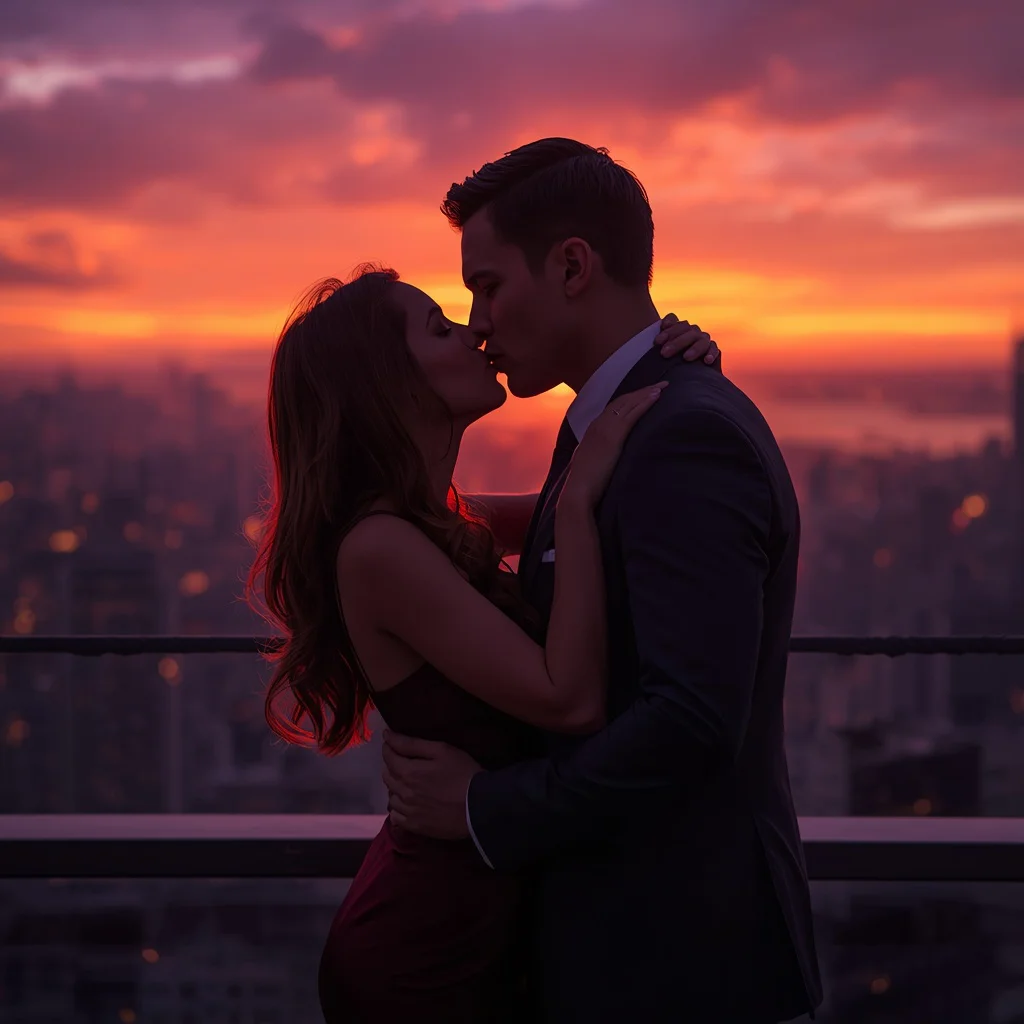
This prompt describes a full-body shot of a couple locked in a passionate embrace, dancing in an open field under a full moon. The scene is deeply romantic and artistic, with a focus on the emotional connection between the two figures. The woman wears a flowing blue-grey chiffon gown, and the man is in a smart dark suit. The moonlight creates a dreamlike atmosphere, and the tall grass around them sways gently. The prompt calls for cinematic, low-key lighting that emphasizes silhouettes and raw emotion, with ultra-realistic textures and 8K resolution.
- A full moon casting a soft, silvery glow over the scene.
- The woman in a flowing, ethereal blue-grey chiffon gown.
- The man in a smart, dark suit.
- The couple in a passionate embrace, eyes closed, lost in the moment.
- Tall grass swaying gently around them in an open field.
- Cinematic, low-key lighting that highlights their silhouettes.
Setting the scene: open field, full moon, and gentle motion
The prompt places the couple in an open field under a full moon, with the woman's head tilted back and her hair gently flowing. The man holds her close, and they are described as 'locked in a passionate embrace, eyes closed, lost in the moment.' The environment is alive with subtle motion: 'the tall grass sways gently around them.' This combination of stillness and movement creates a dynamic yet intimate atmosphere.
The lighting is a key element: 'the moonlight casts a silvery, dreamlike glow on them,' and 'cinematic, low-key lighting emphasizes their silhouettes and the raw emotion of their connection.' This setup ensures that the focus remains on the couple and their emotional exchange, while the background remains softly illuminated.
Why this prompt works for romantic and artistic images
This prompt is effective because it combines specific visual details with emotional cues, giving the AI clear direction while allowing room for artistic interpretation. The result is an image that feels both realistic and dreamlike, perfect for romantic artwork or storytelling.
- The emotional description—'intensely emotional dance' and 'raw emotion of their connection'—guides the AI to capture genuine feeling rather than a stiff pose.
- The detailed clothing and setting provide concrete elements that make the scene believable and visually rich.
- The lighting instructions, such as 'silvery, dreamlike glow' and 'low-key lighting,' ensure a cinematic quality that enhances the mood.
Three styles that fit this prompt
This prompt supports three distinct styles, each staying within the boundaries of the described scene. These styles can be applied by adjusting keywords or using style modifiers in your AI tool.
- Cinematic Realism: Emphasize ultra-realistic textures, 8K resolution, and depth of field to create a lifelike image with dramatic lighting.
- Dreamlike Ethereal: Focus on the soft glow, flowing chiffon, and gentle motion to produce a hazy, romantic atmosphere.
- Low-Key Silhouette: Use the low-key lighting to highlight silhouettes and shadows, making the couple's embrace the focal point against the moonlit field.
How to generate this image step by step
Follow these steps to create your own version of this romantic dance scene. Each step is designed to help you get the best possible result from your AI image generator.
- Copy the prompt. Copy the full prompt text exactly as provided, including all descriptive details.
- Upload a reference. If you have a reference photo of a couple or a pose, upload it to guide the AI's composition.
- Generate. Run the prompt in your chosen AI tool, such as ChatGPT, Google Gemini, Leonardo AI, or Midjourney.
- Check hands. Inspect the hands closely—AI often struggles with fingers, so ensure they look natural.
- Check face. Verify that the faces are expressive and not distorted, especially since the eyes are closed.
- Check main object. Ensure the main object—the couple—is the clear focus and that the moon and grass are properly rendered.
Using a reference photo for better results
A reference photo can significantly improve the accuracy of your generated image, especially for poses and clothing. Here are three things to consider when using a reference.
- Choose a reference with clear lighting and a similar pose to the described embrace.
- Ensure the reference photo has the right clothing or silhouette to match the chiffon gown and dark suit.
- Use a high-resolution reference to help the AI capture fine details like fabric flow and facial expressions.
AI tools for generating this moonlight dance
Different AI tools have varying strengths when it comes to realism and style. The table below compares four popular options for this specific prompt.
| Tool | Access | Typical realism | Useful here for |
|---|---|---|---|
| ChatGPT | Web, API | Moderate to high | Describing the emotional dance and generating detailed prompts. |
| Google Gemini | Web, API | Moderate | Quick iterations and understanding the romantic context. |
| Leonardo AI | Web, app | High | Capturing the flowing chiffon gown and moonlight glow. |
| Midjourney | Discord, web | Very high | Producing ultra-realistic textures and cinematic low-key lighting. |
Tips for refining the romantic atmosphere
To make your image even more captivating, consider these tips that reference specific elements from the prompt.
- Emphasize the blue-grey chiffon gown by adding keywords like 'flowing fabric' or 'ethereal movement' to enhance its delicate appearance.
- Highlight the full moon and silvery glow by adjusting the lighting keywords to 'soft moonlight' or 'dreamlike illumination'.
- Focus on the tall grass by specifying 'gently swaying grass' to add a sense of motion and depth to the field.
Common issues and how to fix them
Even with a detailed prompt, you may encounter some issues. Here are four common problems and what to change.
| Issue | What to change |
|---|---|
| Faces look distorted or emotionless | Add keywords like 'expressive faces' or 'soft smiles' and reduce the emphasis on closed eyes if needed. |
| Hands are malformed | Specify 'detailed hands' or 'natural hand positions' and consider using a reference photo for hands. |
| Lighting is too harsh or flat | Adjust to 'soft moonlight' and 'low-key lighting' to maintain the dreamy atmosphere. |
| Background is cluttered or distracting | Simplify the field description to 'open field with tall grass' and reduce background details. |
Frequently Asked Questions
Can I use this prompt with any AI image generator?
Yes, this prompt is compatible with most AI image generators, including ChatGPT, Google Gemini, Leonardo AI, and Midjourney. However, results may vary based on the tool's capabilities.
How can I make the couple look more realistic?
To enhance realism, use a high-quality reference photo, specify 'ultra-realistic textures' and '8K resolution' in your prompt, and choose a tool known for high realism like Midjourney or Leonardo AI.
What if the moon doesn't appear correctly?
If the moon is missing or looks unrealistic, add keywords like 'full moon' and 'silvery glow' to reinforce its presence. You can also adjust the lighting to emphasize the moon's role in the scene.
Conclusion
This romantic couple dance prompt offers a beautiful blend of emotion, setting, and cinematic detail. By following the steps and tips outlined here, you can generate a stunning image that captures the intimacy and magic of a moonlit dance. Remember to experiment with different tools and styles to find the perfect result.
Always ensure you have the right to edit and use any reference photo you upload.