Top 10 Ultra Realistic Photo AI Prompts for DSLR Quality Cinematic Portraits with Motion Blur
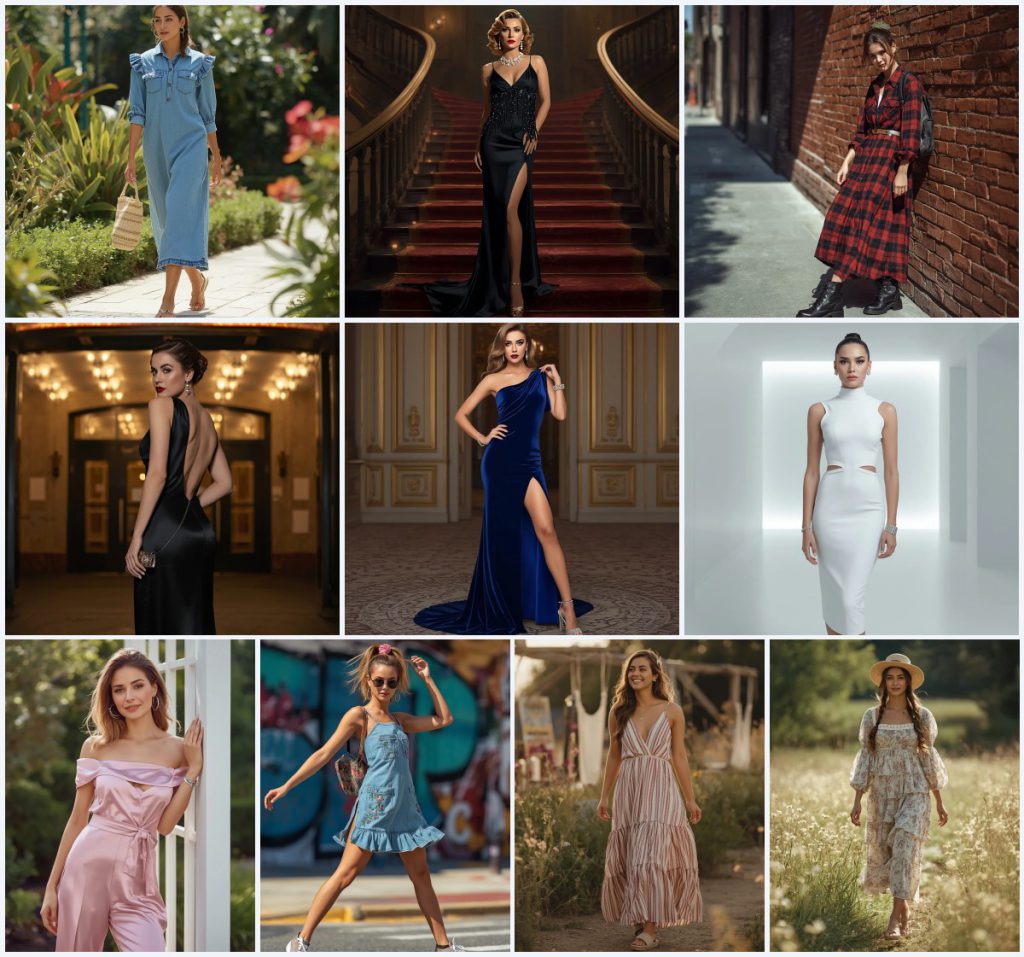
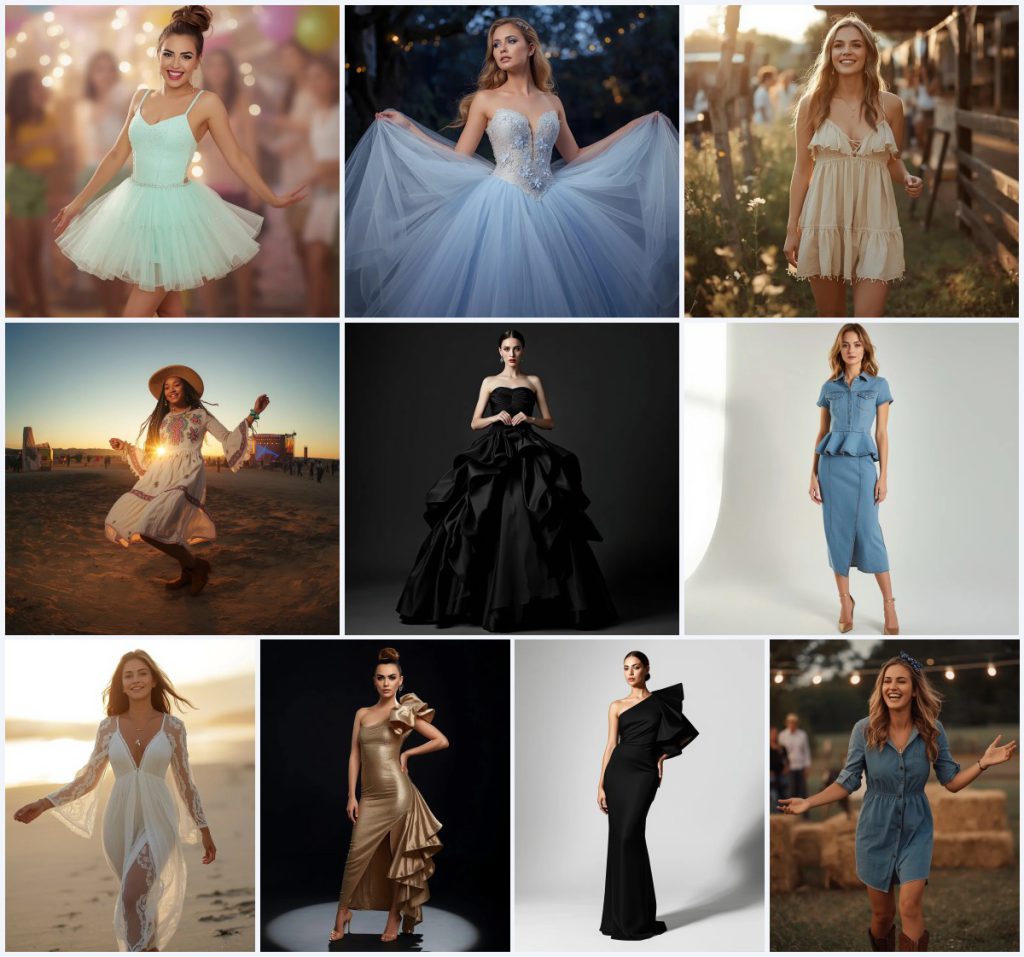
This collection brings together ten ultra realistic photo AI prompts built for DSLR quality cinematic portraits with motion blur, all centered on a modern woman in western party wear. The prompts range from a royal blue satin jumpsuit to a red satin Hollywood gown, and from a white lace chiffon twirl to a prism light panel collage. Each one is written to produce a polished, viral-ready editorial image with glowing skin, sharp tailoring, and soft studio gradients.
If you have ever wanted a single reference photo to turn into a full fashion campaign look, this set is built for that workflow. You can copy a prompt, upload your own portrait, and let the model rebuild the outfit, lighting, and pose while keeping the face close to the original. The article below walks through what appears in these prompts, how to run them, which tools handle them best, and what to fix when hands, fabric, or motion blur go wrong.
What these cinematic portrait prompts are asking for
Every prompt in this set describes a full-body or close-up portrait of a woman in a specific party outfit, placed in a clean studio with a soft pastel gradient. The wording pushes for ultra realistic detail, cinematic lighting, and a high-fashion editorial finish. Some prompts add a collage structure with diamond-cut frames or prism light panels, while others stay on a single subject in motion. The shared goal is a DSLR-quality look with believable skin, fabric, and light.
- A full-body walking or standing pose with confident posture and one hand in a pocket or on a hip.
- Structured satin jumpsuits in royal blue or navy with a matching tie belt.
- A white lace chiffon maxi dress billowing in a dynamic twirling pose.
- A red satin Hollywood gown with a dramatic thigh-high slit.
- A midnight black silk gown with a high neckline and layers of white pearl necklaces.
- A golden sequin gown with a floor-length train under warm golden-hour light.
The studio scene and motion inside these prompts
The setting is almost always a clean studio with a soft gradient backdrop. In the royal blue satin prompt, the background is "a clean white studio with a soft pastel blue and violet gradient," and the lighting is cinematic to sharpen the tailoring. The white lace chiffon prompt uses "a clean white studio with a soft lavender-blue pastel gradient," while the twirling pose makes the dress billow and the hair flow with the motion.
Other prompts shift the backdrop to warm or neutral tones. The leather jumpsuit prompt places the woman in "a minimalist concrete studio with warm sandy-peach gradient lighting," and the black silk gown prompt uses "a clean, minimal warm cream studio with a soft gradient spotlight." The gold sequin gown prompt adds "warm golden-hour light that filters through a sheer curtain," which gives the sequins a softer, more cinematic glow.
Why this set works for DSLR quality portraits
These prompts are built around a small number of variables that keep results consistent: one subject, one outfit, one studio, and one lighting direction. That makes them easy to reuse across different dresses without losing the cinematic feel. The motion blur and dynamic poses add life that a static studio shot often lacks.
- The clean studio and pastel gradients remove background clutter, so the model focuses on fabric texture and skin glow.
- The full-body poses and motion cues, such as walking or twirling, create natural movement and a more believable editorial look.
- The mix of satin, silk, lace chiffon, leather, and sequins tests the model on different materials, which helps you learn what each tool handles well.
Three styles you can pull from this set
Three styles run through these prompts: a polished satin editorial, a soft chiffon motion portrait, and a luxury collage. Each one stays inside the prompt text, so you are not inventing a new look. You can pick the style that matches your reference photo and then adjust only the outfit color or pose.
- Satin editorial: The royal blue and navy satin jumpsuit prompts use structured shoulders, a tie belt, and cinematic lighting to create a sharp, polished fashion image.
- Chiffon motion portrait: The white lace chiffon maxi dress prompt uses a dynamic twirling pose and volumetric lighting to show the semi-transparent layers in ultra-realistic detail.
- Luxury collage: The diamond-cut frame and prism light panel prompts arrange multiple western party dresses in layered frames with pastel gradients and reflective highlights.
How to run one of these prompts step by step
Start with one prompt from the set, not all ten at once. The workflow below keeps your reference photo intact while letting the model rebuild the outfit, lighting, and pose. Work in small steps so you can catch hand, face, and object errors before you upscale.
- Copy the prompt. Open the prompt you want and copy the full text, including the outfit, pose, background, and lighting clauses.
- Upload a reference. Upload a clear portrait of yourself or a model with good lighting and a visible face and upper body.
- Set the strength. Use a moderate image strength so the face stays close to the reference while the outfit and studio change.
- Generate a first pass. Run one image at a time and check the overall pose, outfit shape, and background gradient before making changes.
- Check hands, face, and the main object. Zoom in on hands for extra fingers, on the face for warped features, and on the main object, such as the satin jumpsuit or the pearl necklaces, for missing or merged details.
- Refine and upscale. Fix one issue per run, then upscale the best result and compare it against the prompt to confirm the lighting and fabric match.
Choosing the right reference photo
The reference photo does most of the work for face and skin, so choose one that is sharp and evenly lit. A plain background helps the model separate you from the studio gradient it will add. Avoid heavy shadows across the face and avoid busy patterns that can bleed into the outfit.
- Use a front-facing or slightly angled portrait with the face clearly visible and in focus.
- Keep the background simple, ideally a plain wall or a clean outdoor shade, so the pastel gradient replaces it cleanly.
- Wear minimal clothing in the reference so the model can rebuild the satin jumpsuit, chiffon dress, or silk gown without conflict.
Tools that handle these prompts well
Different tools excel at different parts of this set. ChatGPT and Gemini are strong for prompt rewriting and outfit logic, while Leonardo AI and Midjourney tend to produce the most cinematic fabric and lighting. The table below maps each tool to a real detail from these prompts, such as the royal blue satin jumpsuit or the golden sequin gown with a floor-length train.
| Tool | Access | Typical realism | Useful here for |
|---|---|---|---|
| ChatGPT | Free and paid tiers | Moderate to high | Rewriting the royal blue satin jumpsuit prompt into a shorter version while keeping the tie belt and studio gradient. |
| Google Gemini | Free and paid tiers | Moderate to high | Checking outfit logic, such as whether a high neckline works with layers of white pearl necklaces. |
| Leonardo AI | Free credits and paid plans | High | Rendering the white lace chiffon maxi dress with believable billowing motion and semi-transparent layers. |
| Midjourney | Paid plans | Very high | Producing the golden sequin gown with a floor-length train under warm golden-hour light and an 85mm lens effect. |
Three tips for cleaner fabric and motion
Small changes in wording can fix most fabric and motion problems. These tips name real materials and objects from the prompts so you can apply them directly. Test one tip at a time and compare the results side by side.
- For satin jumpsuits, add the word structured before shoulders and tie belt so the model keeps the sharp tailoring instead of softening it.
- For the white lace chiffon maxi dress, keep the twirling pose but lower the motion strength if the lace inserts blur into the skin.
- For the pearl necklaces, describe them as separate layers with a soft glow so the model does not merge them into a single band.
Common issues and what to change
These prompts can fail in predictable ways, especially around hands, fabric edges, and collage frames. The table below lists the failure and the exact change to make. Fix one issue per run so you can see which change helped.
| Issue | What to change |
|---|---|
| Extra fingers or merged hands in the pocket or on the hip | Simplify the pose to one hand visible and add the phrase natural hand with five fingers. |
| Satin jumpsuit looks flat or plastic | Add soft reflective highlights and liquid sheen to the fabric description. |
| Chiffon dress loses the lace inserts during motion | Reduce the twirl speed or add sharp focus on the lace inserts in the prompt. |
| Collage frames overlap and cut the face | Specify diamond-cut frames with even spacing and a clear center portrait. |
Frequently Asked Questions
Can I use these prompts with my own photo instead of a model?
Yes. Upload your own portrait as the reference and keep the image strength moderate so your face stays recognizable while the outfit and studio change. The prompts are written for a single subject, so one person per image works best.
Which prompt in this set is easiest for beginners?
The royal blue satin jumpsuit prompt is the simplest because it uses a clean white studio, a single outfit, and a straightforward walking pose. It has fewer moving parts than the collage prompts or the twirling chiffon dress.
How do I get the motion blur without ruining the face?
Keep the face in sharp focus and apply motion only to the dress and hair. In the white lace chiffon prompt, the text already says the face is in sharp focus, so do not add extra blur to the face. Lower the motion strength if the skin starts to smear.
Conclusion
This set of ten ultra realistic prompts gives you a full range of cinematic party looks, from a royal blue satin jumpsuit to a golden sequin gown and a prism light panel collage. Start with one prompt, upload a clean reference, and check hands, face, and the main object before you upscale. With small adjustments to fabric wording and motion strength, you can turn a single portrait into a DSLR quality editorial image.
Only edit a photo you have the right to edit, such as your own portrait or one you have permission to use.