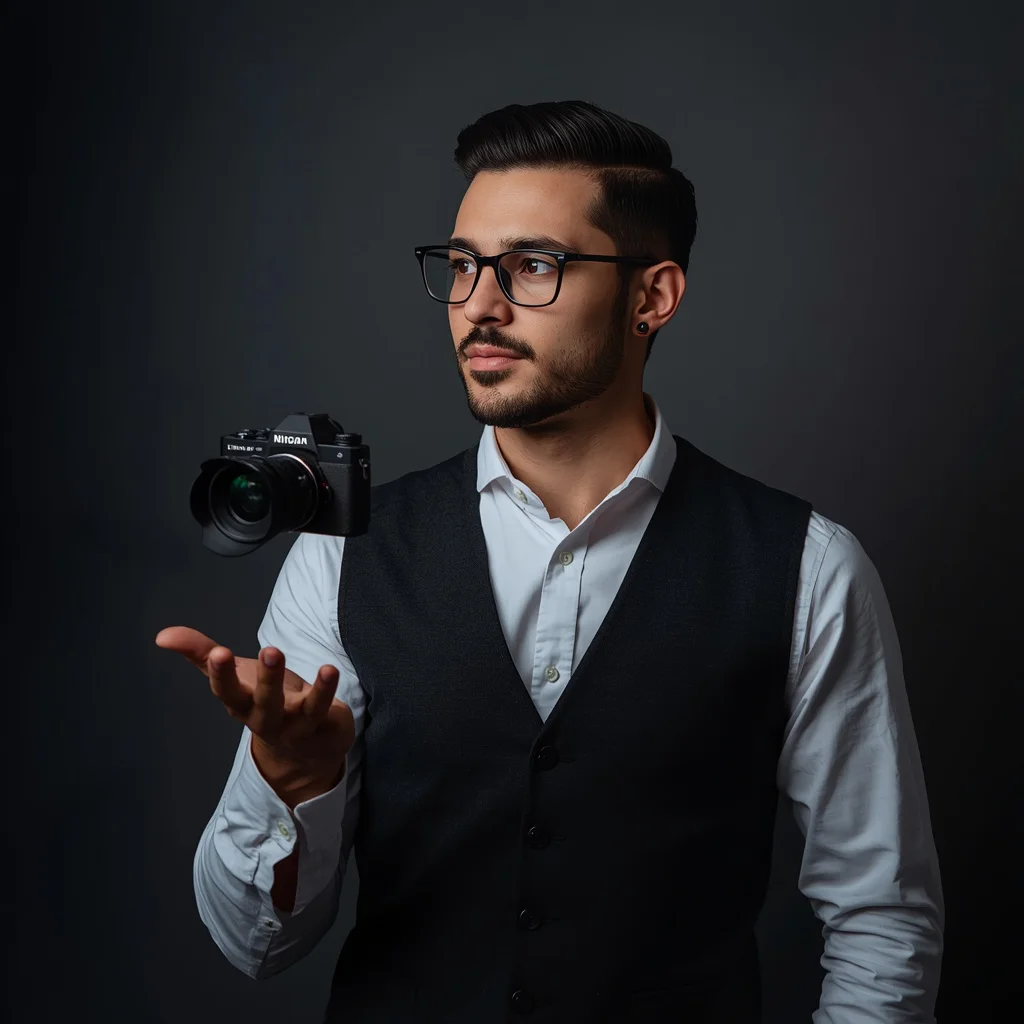
Ethereal Motion Trails Encircling a Perfectly Rendered Subject | Uploaded Exact Subject
This prompt is built for creators who want a portrait that stays completely true to their uploaded photo while the background transforms into a dreamy swirl of light. The subject remains razor-sharp, and the environment becomes a soft, painterly field of wispy motion trails. It is a striking contrast between stillness and flow.
In this article, we break down exactly what the prompt asks for, how to run it on popular tools, and how to fix common problems like distorted faces or weak trails. You will also find tips for preparing your reference photo so the final image looks clean and intentional.
What this ethereal motion trails prompt is asking for
The prompt centers on a single uploaded photo that must be preserved without any change. Around that fixed subject, the scene becomes a layered composition of translucent streaks, ghosting effects, and soft color washes. The result is a still portrait inside a moving, almost dreamlike environment. Every instruction protects the subject's sharpness while letting the background flow freely.
- A perfectly sharp subject with 100% preserved facial features, identity, and skin tone
- Wispy, translucent streaks of light and color weaving around the subject
- Ghosting effects inspired by long exposure photography
- A dreamy, painterly quality in the motion trails
- A static background that still feels full of movement
- No distortion, stretching, or warping on the subject
The scene: a still subject inside a moving environment
The prompt describes a clear split between foreground and background. The subject is locked in place: "Keep the subject perfectly sharp, crystal clear, detailed, and completely unaffected by any distortion, stretching, warping, or motion effects." Meanwhile, the environment becomes "wispy, translucent streaks of light and color, like ghosting effects from long exposure photography." These trails "delicately weave and layer around the subject," so the motion feels close and personal rather than distant.
The overall mood is calm but dynamic. The trails have "a dreamy, almost painterly quality," which softens the technical look of long exposure and makes the image feel more like a painting than a photograph. The subject stays grounded while the world around them drifts.
Why this prompt works for identity-safe creative portraits
This prompt solves a common problem in AI portraiture: losing the person's likeness when adding artistic effects. By insisting on 100% preservation, it protects the face, body, and clothing from the usual AI drift. The motion trails add visual interest without touching the subject, so the final image feels both personal and imaginative.
- It keeps the uploaded subject completely recognizable, which matters for personal branding or profile photos.
- The motion trails add a sense of energy and atmosphere without requiring a complex background scene.
- The contrast between a sharp subject and soft, flowing trails creates a polished, gallery-like look.
Three styles that fit inside this prompt
The prompt supports three distinct looks, and each one stays within the same core idea: a sharp subject surrounded by ethereal motion trails. You do not need to change the subject or add new objects. Instead, adjust the color, texture, and intensity of the trails to shift the mood.
- Long Exposure Ghosting: Lean into the "ghosting effects from long exposure photography" by keeping trails thin, bright, and layered like light streaks around the subject.
- Painterly Dreamscape: Emphasize the "dreamy, almost painterly quality" with softer edges, blended colors, and gentle brush-like textures in the trails.
- Minimal Ethereal Glow: Reduce the number of trails to a few "wispy, translucent streaks" so the subject dominates and the background stays clean and airy.
How to run this prompt step by step
Follow these steps to get a clean result that respects the uploaded photo and produces the ethereal motion trails described in the prompt. Each step keeps the subject safe while letting the background evolve.
- Copy the prompt. Paste the full prompt text into your chosen AI image tool exactly as written, including the preservation instructions.
- Upload your reference photo. Use a clear, well-lit photo of yourself or your subject so the tool can lock onto facial features, skin tone, and clothing.
- Generate the first image. Run the prompt once and review the overall composition before making any changes.
- Check the hands. Look for extra fingers, merged joints, or odd shapes, and regenerate or inpaint if the hands are wrong.
- Check the face. Confirm that the facial features, identity, and skin tone match your uploaded photo without warping or stretching.
- Check the main object. Make sure the subject's body, pose, and clothing remain sharp and unaffected by the motion trails.
Choosing the right reference photo
The reference photo is the anchor of this entire prompt, so its quality decides how well the final image holds together. A good reference gives the AI clear information about your face, hair, and clothing, which reduces the chance of unwanted changes.
- Use a sharp, front-facing or slightly angled photo with even lighting and no heavy filters.
- Avoid photos where the face is partially hidden, blurry, or heavily shadowed.
- Keep the clothing simple and clearly visible so the prompt can preserve it without confusion.
Which AI tools handle this prompt best
Different tools treat identity preservation and motion effects differently. The table below compares four popular options for this specific prompt, focusing on how well they keep the subject sharp while adding ethereal trails.
| Tool | Access | Typical realism | Useful here for |
|---|---|---|---|
| ChatGPT | Free and paid tiers | Medium to high | Drafting prompt variations and checking that the preservation wording covers skin tone and hairstyle. |
| Google Gemini | Free and paid tiers | Medium to high | Describing the wispy, translucent streaks of light and color before generating. |
| Leonardo AI | Free and paid tiers | High | Layering ghosting effects from long exposure photography around a locked subject. |
| Midjourney | Paid subscription | Very high | Producing painterly motion trails while keeping the subject crystal clear and detailed. |
Tips for cleaner ethereal motion trails
Small adjustments to the prompt and your reference photo can make a big difference. These tips focus on real elements from the prompt, such as the translucent streaks, the ghosting effects, and the painterly quality of the trails.
- Keep the translucent streaks of light and color thin and layered so they do not cover the subject's face or clothing.
- Ask for the ghosting effects to stay in the background only, which protects the subject from any motion blur.
- If the trails look too heavy, reduce the painterly quality and ask for a lighter, airier dreamlike effect.
Common issues and how to fix them
Even with strong preservation instructions, AI tools can still drift. The table below lists failures this prompt can actually produce and the changes that usually solve them.
| Issue | What to change |
|---|---|
| The face no longer matches the uploaded photo | Add stronger wording about preserving 100% of facial features and identity, and regenerate with a higher-quality reference. |
| Motion trails cover the subject's body or clothing | Specify that the ethereal motion trails must stay in the environment and not touch the subject. |
| The subject looks warped or stretched | Repeat the instruction that the subject must remain completely unaffected by distortion, stretching, or warping. |
| The trails look flat or weak | Ask for more layered ghosting effects and a stronger painterly quality in the streaks of light and color. |
Frequently Asked Questions
Can I use this prompt with a photo that is not mine?
Only if you have the right to edit that photo. The prompt is designed to preserve an uploaded subject, so you should own the image or have permission from the person in it.
Will the motion trails change my facial features?
No, the prompt explicitly says to preserve 100% of your facial features, identity, and skin tone. The trails are meant to stay in the environment around you.
What if the subject still gets distorted after several tries?
Try a sharper reference photo, reduce the number of motion trails, and repeat the instruction that the subject must remain crystal clear and unaffected by any motion effects.
Conclusion
This prompt is a strong choice when you want a creative, atmospheric portrait without risking your likeness. By keeping the subject perfectly sharp and letting the environment dissolve into ethereal motion trails, it balances identity and artistry. Use a clean reference photo, run it on a tool that respects preservation, and check the hands, face, and main object before you finalize.
Only edit and upload photos you have the right to edit, and respect the privacy of anyone else in the frame.