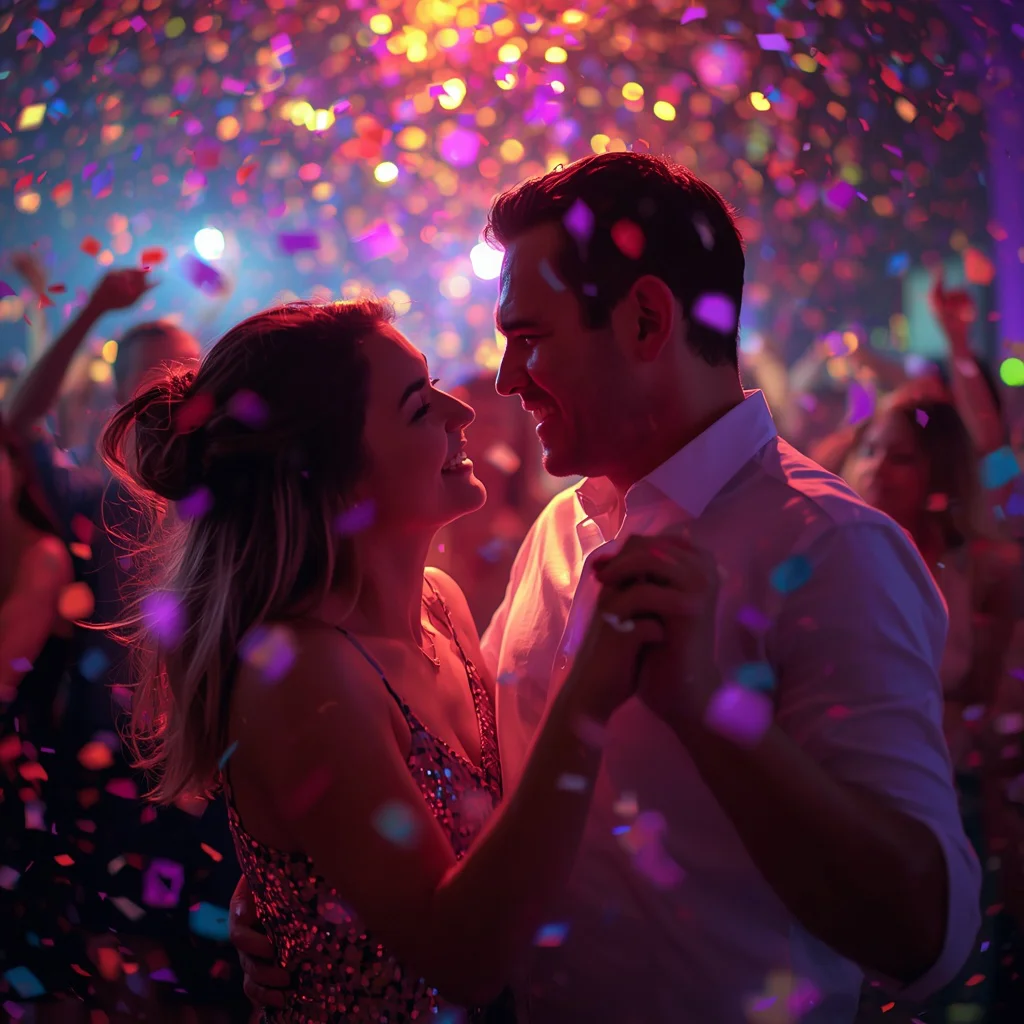
Romantic Couple Sharing an Emotional Embrace in the Rain | Romantic Couple Shares
Few scenes carry as much raw emotion as two people holding each other in a downpour. This prompt asks an AI image generator to capture that exact moment: a romantic couple sharing an intensely emotional embrace in a heavy rainstorm on a deserted street at night. The woman wears a simple dark dress, soaked through, while the man in a dark trench coat holds her tightly, his face buried in her hair. It is a full-body shot of intertwined bodies, cinematic and deeply passionate.
The prompt leans on high-contrast lighting from distant streetlights, wet asphalt reflections, and ultra-realistic textures at 8K resolution. It is designed for anyone who wants a photograph-like image that feels like a still from a romantic film. Below, we break down what the prompt contains, how to adapt it, which tools handle it best, and what can go wrong. Whether you are new to AI image generation or refining your workflow, this guide will help you get a believable, emotionally charged result.
What this rainy embrace prompt is asking for
At its core, the prompt describes a single frozen moment: a couple locked in a desperate, loving hug while rain pours around them. The setting is a deserted street at night, which removes distractions and forces all attention onto the two figures. The emotional tone is a mix of passion, solace, and vulnerability. The prompt also specifies technical qualities like ultra-realistic textures, 8K resolution, and depth of field, pushing the generator toward a photographic rather than illustrative look.
- A woman in a simple dark dress, her hair and clothes soaked and clinging to her body.
- A man in a dark trench coat holding her tightly, his face buried in her hair.
- A heavy rainstorm with dramatic pouring rain visible around the couple.
- A deserted street at night with wet asphalt reflecting distant streetlights.
- A full-body shot of the couple with their bodies intertwined.
- Cinematic, high-contrast lighting that creates a raw, emotional atmosphere.
The scene: deserted street, heavy rain, and one tight embrace
The prompt places the couple on a deserted street at night, which immediately gives the image a lonely, intimate feel. The rain is not a light drizzle; it is a heavy rainstorm that soaks the woman's simple dark dress and the man's dark trench coat. The man holds her tightly, and the phrase 'his face buried in her hair' tells the generator to hide his expression, making the woman's face and body language the emotional center. The couple is captured in a full-body shot, so we see how their bodies intertwine, from shoulders to feet.
The environment does as much work as the figures. 'The rain pours dramatically around them' and 'creating reflections on the wet asphalt' give the scene texture and depth. The light comes from 'distant streetlights,' which means the source is far away, producing high-contrast pools of light and shadow rather than even illumination. That single lighting choice is what makes the image feel cinematic instead of flat.
Why this prompt works for emotional, cinematic images
This prompt works because it combines a clear emotional action with a strong visual environment. The embrace gives the generator a focal point, while the rain and night setting add mood without cluttering the frame. The high-contrast lighting from distant streetlights creates natural drama, and the wet asphalt reflections add depth that makes the scene feel three-dimensional. Finally, the technical keywords like ultra-realistic textures and 8K resolution push the model toward a photographic finish, which suits the raw, intimate subject.
- The single, clear action of an embrace gives the AI a strong focal point and reduces the risk of a busy or confusing composition.
- The heavy rain and wet asphalt create natural reflections and texture, which makes the image feel more realistic and atmospheric.
- The high-contrast lighting from distant streetlights adds cinematic drama and separates the couple from the dark background.
Three styles that stay inside this prompt
You can nudge the look in three directions without leaving the scene the prompt describes. Each style below keeps the deserted street, the heavy rain, the dark clothing, and the tight embrace. The goal is to change the rendering mood, not the story.
- Cinematic realism: Lean into the 'cinematic, high-contrast lighting' clause and ask for a film-still look with deep shadows and a shallow depth of field, keeping the couple sharp against the wet street.
- Moody noir: Emphasize the distant streetlights and the dark trench coat for a black-and-white or desaturated palette, letting the rain streaks and asphalt reflections carry the visual texture.
- Romantic painterly: Soften the ultra-realistic textures while keeping the full-body intertwined pose and the heavy rain, so the image reads like an oil painting of the same embrace.
How to generate this rainy embrace step by step
Follow these steps to get a usable image from this prompt. The process is simple, but the order matters, especially when you are checking the result for common AI mistakes. Work through each step and adjust only one variable at a time if something looks off.
- Copy the prompt. Paste the full prompt text into your chosen AI image generator, keeping every clause about the rain, the clothing, and the lighting.
- Upload a reference. If you have a photo of a couple or a rainy street, upload it as a reference to guide the pose and environment, but make sure you have the right to use it.
- Generate the first image. Run the prompt at a high resolution setting, such as 8K or the highest available, and generate at least two or three variations to compare.
- Check hands. Look closely at the hands holding the embrace; AI often adds extra fingers or merges them into the coat, so regenerate if they look wrong.
- Check faces. Inspect the woman's face and the man's hidden face; if the man's face is visible, it may look distorted, so you may need to crop or regenerate.
- Check the main object. Verify the main object, which is the couple themselves; ensure their bodies are intertwined naturally and the rain reads as heavy, not as static noise.
Using a reference photo for this prompt
A reference photo can help the AI understand the pose, the clothing, or the street setting. It is not required, but it can reduce randomness. Just remember that the reference should match the mood of the prompt: dark, rainy, and intimate. Avoid bright daylight photos, as they will fight the night setting.
- Use a reference photo that shows a similar pose, such as a tight embrace or two people holding each other, so the AI can map the body positions correctly.
- Choose a reference with dark clothing and low light if possible, because the prompt specifies a dark dress and a dark trench coat under night streetlights.
- Make sure you have permission to use the reference photo, especially if it shows real people, and avoid uploading images you do not own.
Which AI tools handle this prompt best
Different tools have different strengths for this kind of emotional, rain-soaked scene. The table below compares four popular options based on access, typical realism, and what each one can do with a specific detail from this prompt. Use it as a starting point, then experiment with the one you can access.
| Tool | Access | Typical realism | Useful here for |
|---|---|---|---|
| ChatGPT | Free and paid tiers | Moderate to high | Generating a first draft and describing the heavy rainstorm and wet asphalt reflections in detail. |
| Google Gemini | Free and paid tiers | Moderate to high | Quick iterations on the pose, especially the man's face buried in her hair. |
| Leonardo AI | Free and paid tiers | High | Fine-tuning the cinematic, high-contrast lighting from distant streetlights. |
| Midjourney | Paid subscription | Very high | Producing ultra-realistic textures and 8K resolution for the soaked dark dress and trench coat. |
Tips for better rain, clothing, and lighting
Small adjustments can make a big difference in how believable the final image feels. These three tips focus on real materials and objects mentioned in the prompt, so you stay within the scene while improving its quality.
- Emphasize the wet asphalt reflections by adding a phrase like 'glossy wet asphalt mirroring the distant streetlights' to strengthen the ground plane.
- Describe the soaked dark dress and dark trench coat as 'heavy fabric clinging with visible water weight' to help the AI render realistic wet cloth.
- Mention the rain streaks explicitly, such as 'visible diagonal rain streaks catching the streetlight,' to avoid a flat or foggy background.
Common issues and how to fix them
Even a well-written prompt can produce flawed images. The issues below are specific to this rainy embrace scene, and each one has a practical fix you can apply in your next generation.
| Issue | What to change |
|---|---|
| Hands look merged or have extra fingers | Add a negative prompt like 'extra fingers, deformed hands' or regenerate with a different seed until the embrace looks natural. |
| The man's face is visible and distorted | Reinforce the phrase 'his face buried in her hair' and crop the image tighter if the generator still reveals his face. |
| Rain looks like static or fog instead of heavy rain | Add 'visible rain streaks, heavy downpour, water droplets on skin' to make the rain more defined and dynamic. |
| The street looks too bright or evenly lit | Specify 'single distant streetlight, deep shadows, high contrast' to restore the cinematic night atmosphere. |
Frequently Asked Questions
Can I use this prompt to create a same-sex couple?
Yes. The prompt describes a woman in a dark dress and a man in a trench coat, but you can swap the clothing and pronouns to fit any couple. Keep the heavy rain, the deserted street, and the tight embrace to preserve the emotional core.
Why does the man's face keep showing up even though the prompt says it is buried?
AI models sometimes ignore occlusion instructions. Try adding 'face completely hidden' or 'only the back of his head visible' and regenerate. You can also crop the final image to remove any accidental face reveal.
What resolution should I use for an 8K ultra-realistic result?
Set your generator to its highest available resolution, ideally 8K or the maximum it supports. If the tool caps at a lower resolution, generate at that maximum and then upscale with a dedicated AI upscaler to reach 8K.
Conclusion
This prompt is a strong starting point for anyone who wants a cinematic, emotionally charged image of a couple in the rain. By understanding the scene, choosing the right style, and checking the common issues, you can produce a result that feels like a still from a romantic film. Use the tools and tips above to refine your output, and do not be afraid to iterate. The best images usually come after a few generations.
Always make sure you have the right to edit and use any photo you upload as a reference before you generate or share the final image.